Screenshot guides
Practical how-tos for editing, annotating, and presenting screenshots, plus honest roundups of the tools people compare, including where Shots falls short.
 Start here · 5 steps · 3 min readHow to Edit a Screenshot OnlineEdit a screenshot online: add text, arrows, and blur, change the background, frame it in a browser or phone, and export PNG with no watermark.Read the guide
Mark up a screenshot
Add text, arrows, and blur so the point is clear at a glance.
 How to Add Text to a Screenshot OnlineAdd captions, labels, and titles to a screenshot online. Choose from 32 fonts, set size, color, and shadow, place the text anywhere, and export with no watermark.6 steps · 2 min read
 How to Blur Part of a Screenshot OnlineBlur or pixelate names, emails, and private details in a screenshot online. Switch each region between blur and mosaic, set the strength, and export.6 steps · 3 min read
 How to Annotate a Screenshot OnlineAnnotate screenshots online with arrows, curved arrows, lines, boxes, circles, text, and blur. Pick colors and stroke widths, then export with no watermark.6 steps · 2 min read
Make it look polished
Backgrounds, browser frames, device mockups, 3D, and motion.
 How to Make Screenshots Look ProfessionalTurn plain screenshots into polished images: add a gradient background, padding, rounded corners, and a soft shadow, or apply a one-click theme. No watermark.6 steps · 2 min read
 How to Animate a Screenshot and Export a VideoAnimate a screenshot into a short product video: pick a preset like Slide In 3D or Ken Burns, set the timeline length, and export MP4 or WebM at 60fps.5 steps · 2 min read
 How to Make a 3D Screenshot Mockup OnlineTilt a flat screenshot into a 3D perspective mockup. Use isometric and hero presets or fine-tune rotation and depth, then export PNG or animate it.6 steps · 2 min read
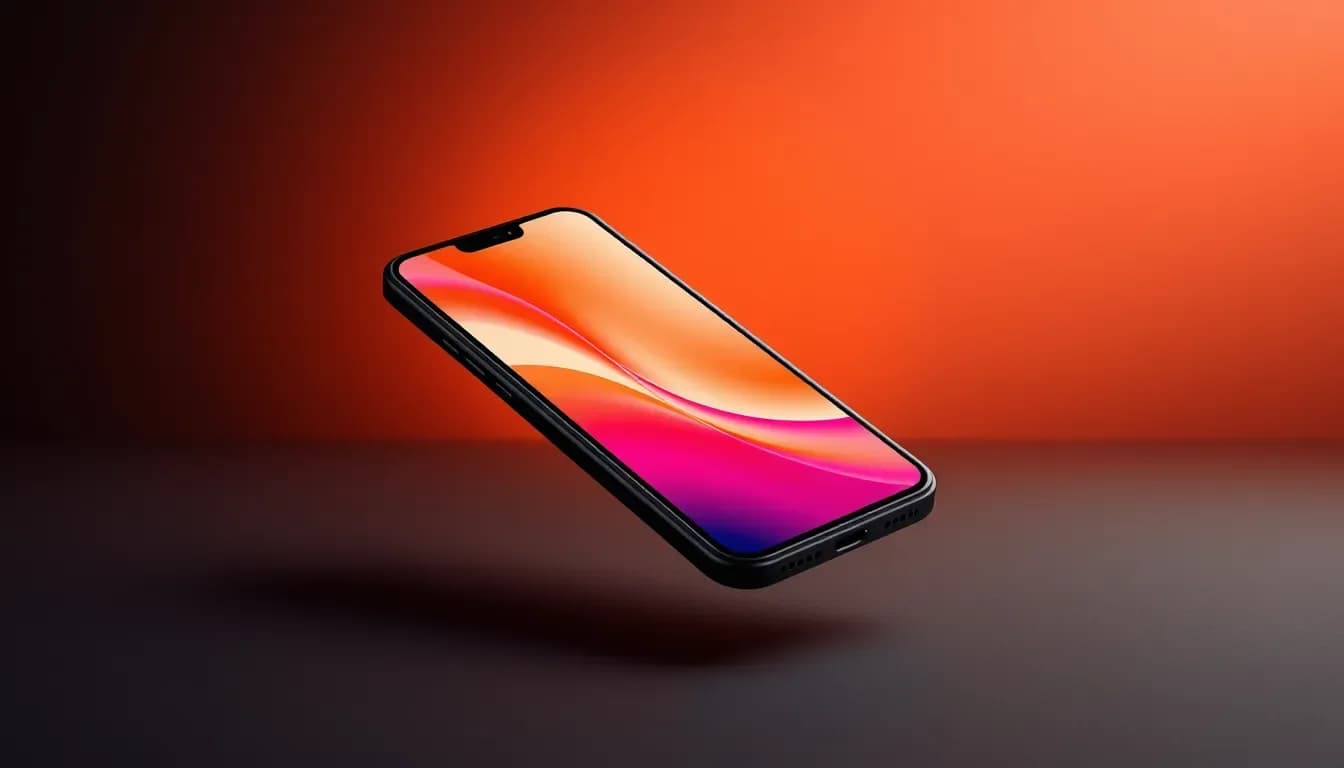 How to Put a Screenshot in an iPhone or MacBook MockupPlace a screenshot inside an iPhone, MacBook, or Apple Watch frame online. Choose single or multi-device layouts and export a clean PNG with no watermark.6 steps · 2 min read
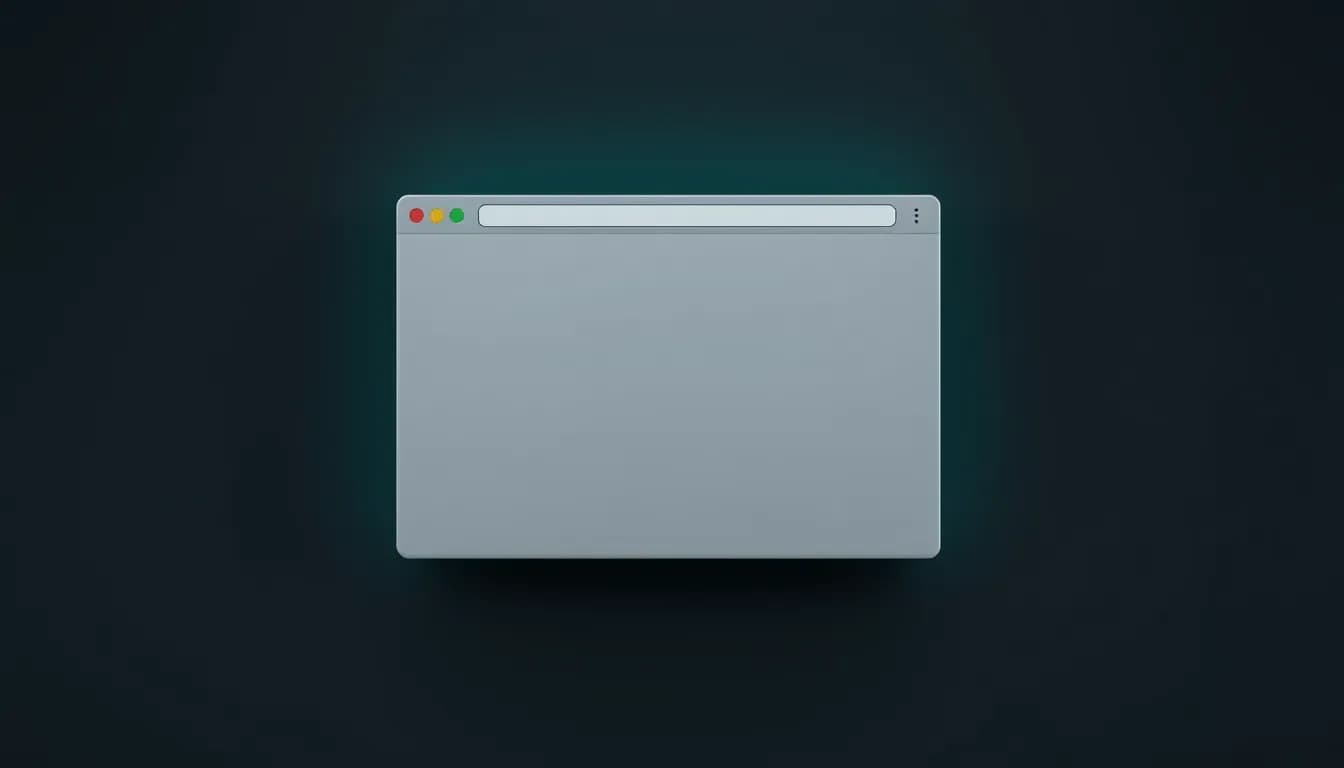 How to Add a Browser Window Frame to a ScreenshotWrap a website screenshot in a Safari or Chrome browser window, in light or dark, with your own URL in the address bar. Online, no watermark.5 steps · 2 min read
Capture and share
Take the screenshot, then size it right for every platform.
 How to Post Screenshots on Instagram Without CroppingThe right sizes for screenshots on Instagram: 1080x1350 portrait, 1080x1080 square, and 1080x1920 for Stories and Reels. Resize and style screenshots in the browser.5 steps · 2 min read
 App Store Screenshot Sizes and How to Make ThemApp Store screenshot sizes for iPhone and iPad, including 1320x2868 for 6.9-inch displays, and how to make framed, captioned store screenshots.5 steps · 2 min read
 How to Take a Screenshot and Edit ItKeyboard shortcuts to take a screenshot on Mac, Windows, and Chromebook, plus how to paste it straight into an online editor to crop, annotate, blur, and style it.5 steps · 2 min read
 How to Screenshot a Tweet (X Post) CleanlyTurn any X (Twitter) post into a clean image: paste the link, choose a light or dark card, add a background and padding, and download a sharp PNG. No X login.4 steps · 1 min read
Tool roundups
Every tool listed with its price, platform, and limits, checked against the vendor's own site on September 24, 2026.
 7 tools · 3 min readBest Screenshot Mockup Generators, Free and PaidThe best online mockup generators for screenshots in 2026, free and paid: Shots, DeviceShots, SnapMock, MockUPhone, Shots.so, Pika Style, and Mockuuups Studio, compared on devices, 3D, video, and watermarks.
 9 tools · 3 min readBest Screenshot Editors With No Watermark, Free and PaidScreenshot editors that never add a watermark, free and paid: Shots, ShareX, Flameshot, Greenshot, Screenshot Editor, Guidejar, Photopea, and the tools built into Windows and macOS.
 6 tools · 2 min readBest Code to Image Tools for READMEs and Social PostsThe best tools for turning code into images in 2026: Carbon, Ray.so, Shots, CodeSnap, CodeImage, and Snappify, compared on themes, backgrounds, export formats, and price.
 7 tools · 2 min readBest Shots.so Alternatives, Free and PaidAlternatives to Shots.so for screenshot mockups, free and paid: Shots, DeviceShots, SnapMock, Pika Style, Screely, MockUPhone, and BrandBird, compared on devices, 3D, video, and watermarks.
 7 tools · 2 min readBest Screely Alternatives, Free and PaidAlternatives to Screely for framing screenshots, free and paid: Shots, DeviceShots, SnapMock, Shots.so, Pika Style, MockUPhone, and BrandBird, compared on frames, 3D, and video.
Ready to edit a screenshot?
Paste a screenshot into the editor and follow along. The editor and image tools are included in every plan, with no watermark.
Open the EditorIncluded in every plan · No watermark